
Manage monitoring and reports for each client.
Keep each client’s searches, monitoring and reports in a separate space. Assign analysts and client users to that space, with credit allowances drawn from your organization’s balance.
Steps
Organize work by client
Create a client and assign the staff who should access it. Add named external client accounts only where needed. Set allowances within the organization’s shared credit balance; those allowances do not create additional credits.
Collect, triage and assign changes
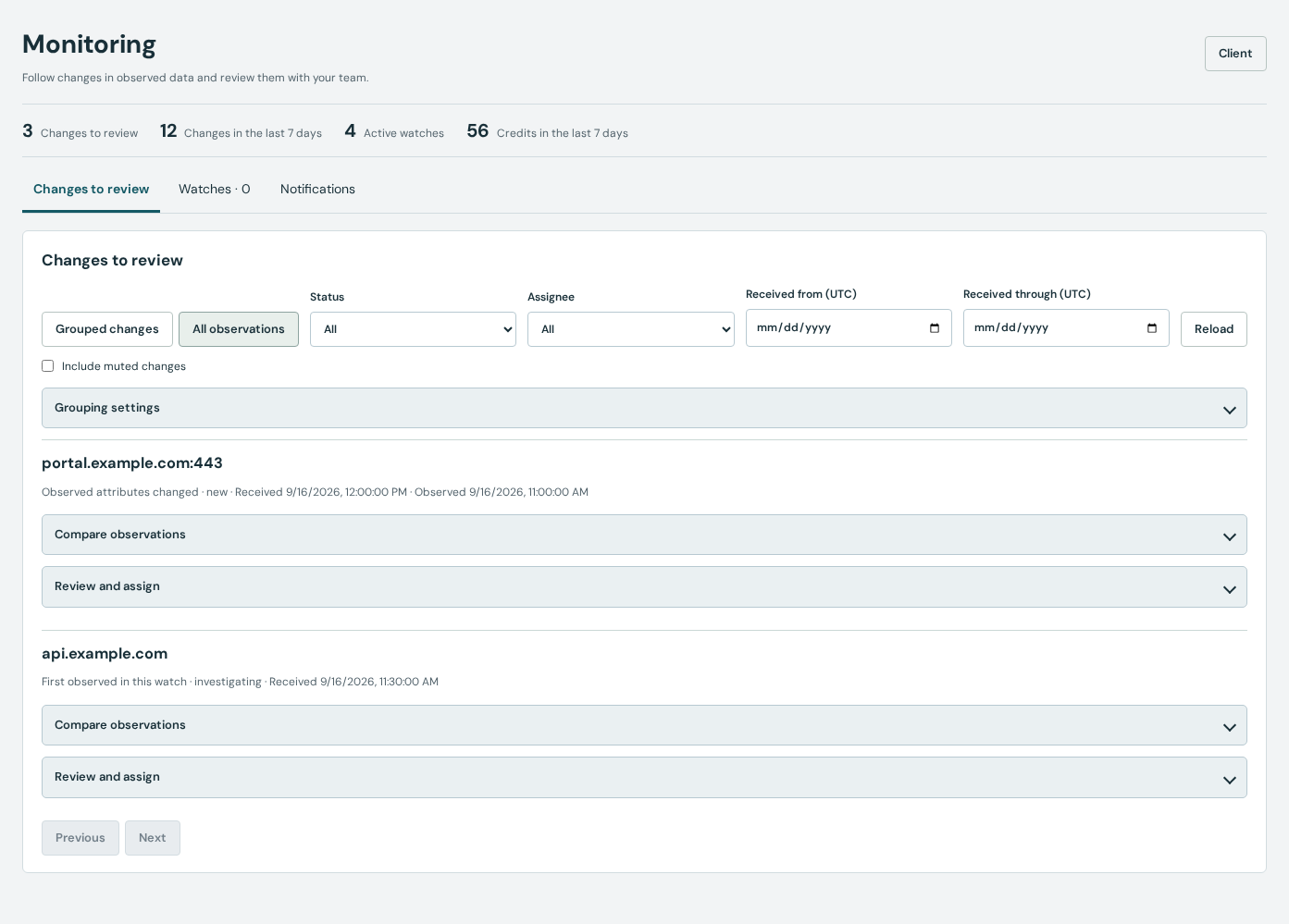
Prepare dataset queries and explicitly enable scheduled watches. Review the monitoring inbox, filter changes by status and assign follow-up. Keep the source observations available so another analyst can understand the decision.
Schedule reports and check delivery
Prepare reports from reviewed engagements and configure recurring schedules when appropriate. Use delivery history to inspect email or webhook failures and retries. Send signed webhook events to your existing tools.
Example: a weekly client review
Record the agreed domains in each client’s engagements. Enable the relevant weekly watches, assign changes to an analyst and prepare a reviewed report. Give the client a named account and a credit allowance if they need to explore the evidence themselves.
Data and service limitations
Your analysts review changes and decide how to respond; Profundis does not provide a staffed monitoring service. Plan limits apply to clients, users, watches and integrations. Scheduled collection uses credits.
Practical questions
Do clients need to buy their own subscription?
No. External client accounts use access and allowances managed by the organization. Their usage draws from the shared balance.
Are custom integrations and guaranteed response times included?
Documentation and asynchronous help are available for product issues. Managed investigations, bespoke integrations and guaranteed response times are not included.
Tools and documentation
Related guides
Monitor changes across your company’s domains.
Organize company domains by scope, monitor observed DNS, hosts and certificates, review changes and prepare recurring reports with your security team.
Pentest and cybersecurity consultanciesResearch your pentest targets and save the evidence.
Prepare a pentest with host, DNS, WHOIS and certificate research. Follow infrastructure connections and keep source evidence in client engagements.
Security engineering and automation teamsQuery Profundis through the API and MCP.
Connect infrastructure research to your tools with the Profundis API and MCP server. Use scoped organization credentials, credit limits and signed webhooks.